All your lab equipment — booking, tracking and know-how in one place
For research groups, core facilities and companies with shared instruments.
🤖 The only reservation system with an assistant that answers questions about your instruments straight from their manuals.
Everything you need to run your lab
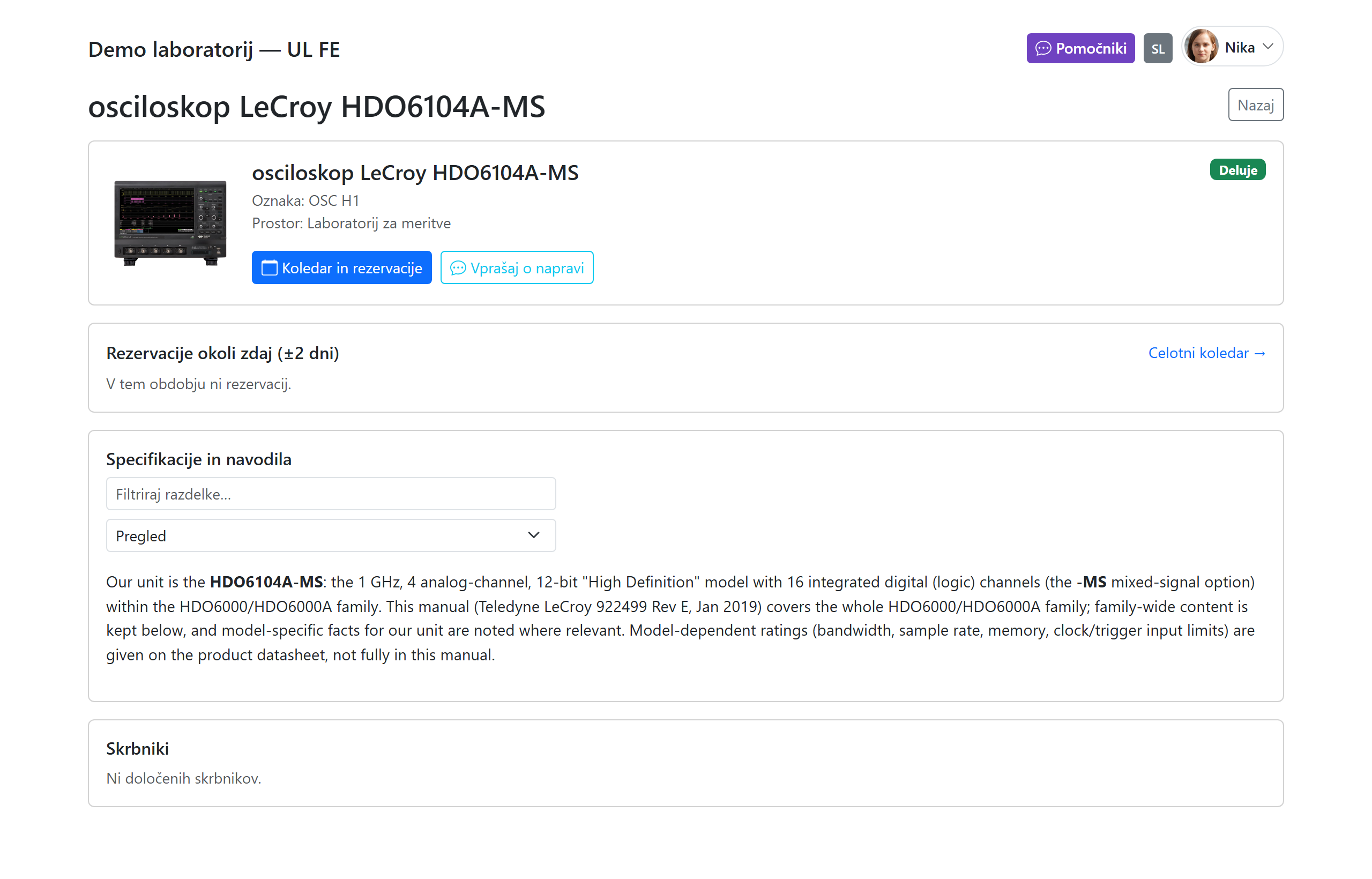
Per-instrument AI assistant
Ask any instrument a question and get answers grounded in its own manual, with the right figures — a flagship feature unique to Reserve-a-Lab.
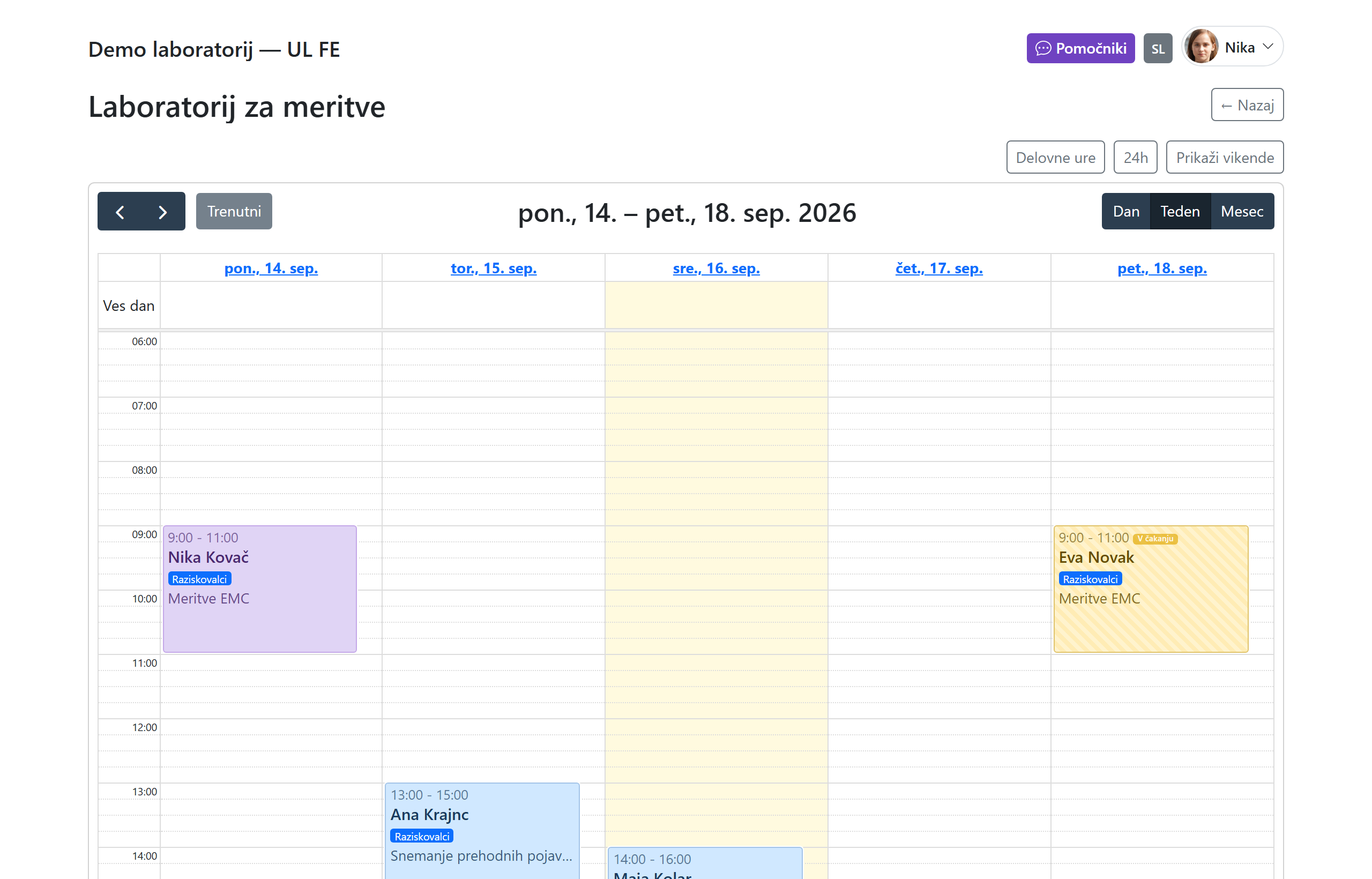
Reservations & calendar
Book rooms and equipment on an interactive weekly calendar — availability at a glance, no conflicts, recurring events, and one-click export to Outlook.
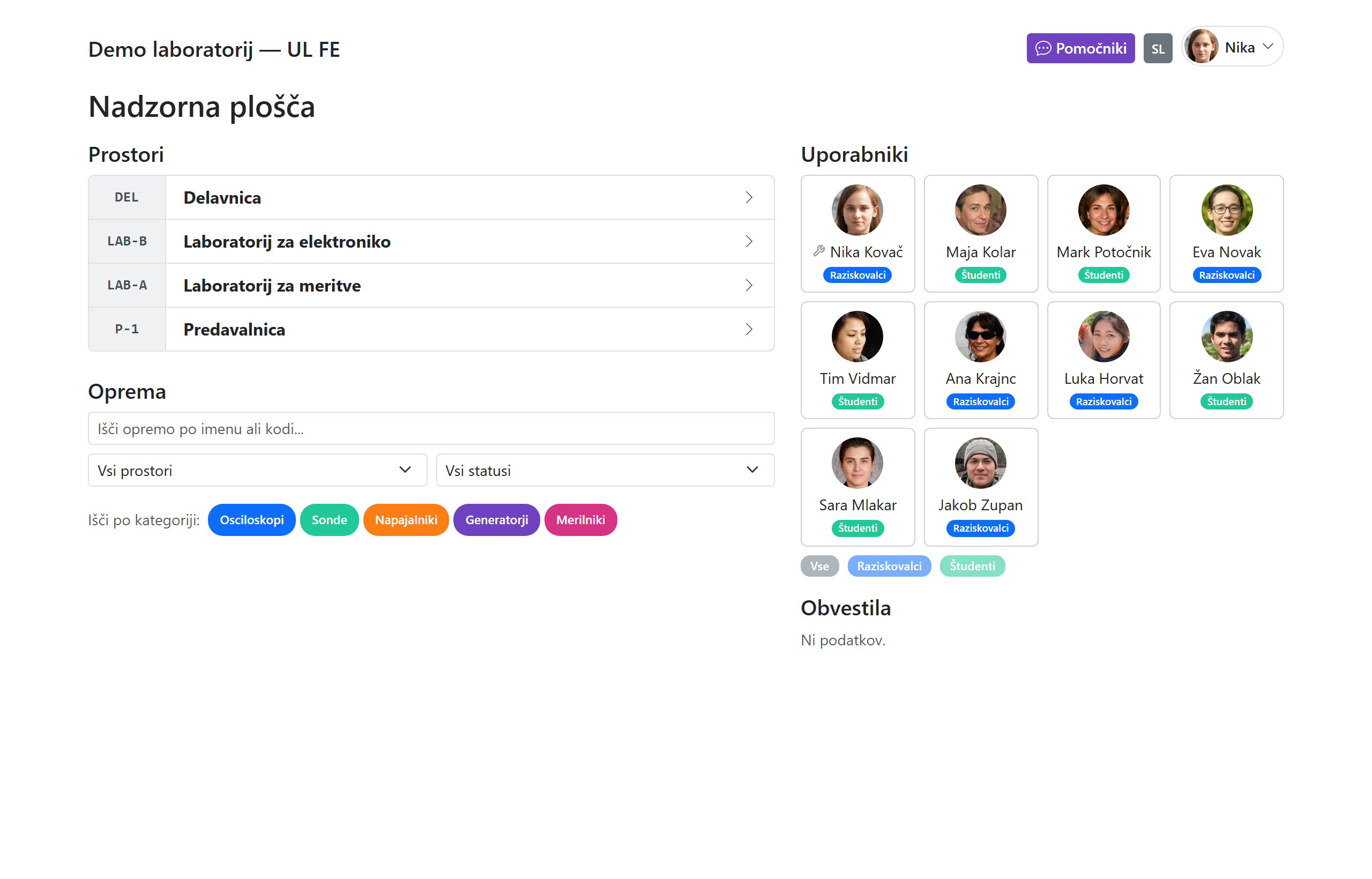
Equipment catalogue & tracking
A full catalogue with photos, manuals, categories and rooms. Track portable gear, flag items as down, and keep an asset register with depreciation.
Bench companion app
An at-the-bench iOS / PWA app: tap an NFC tag or use the camera to open an instrument, check availability and book on the spot.
Room floor plans
Interactive floor plans that pinpoint where each instrument lives, so anyone can find equipment fast.
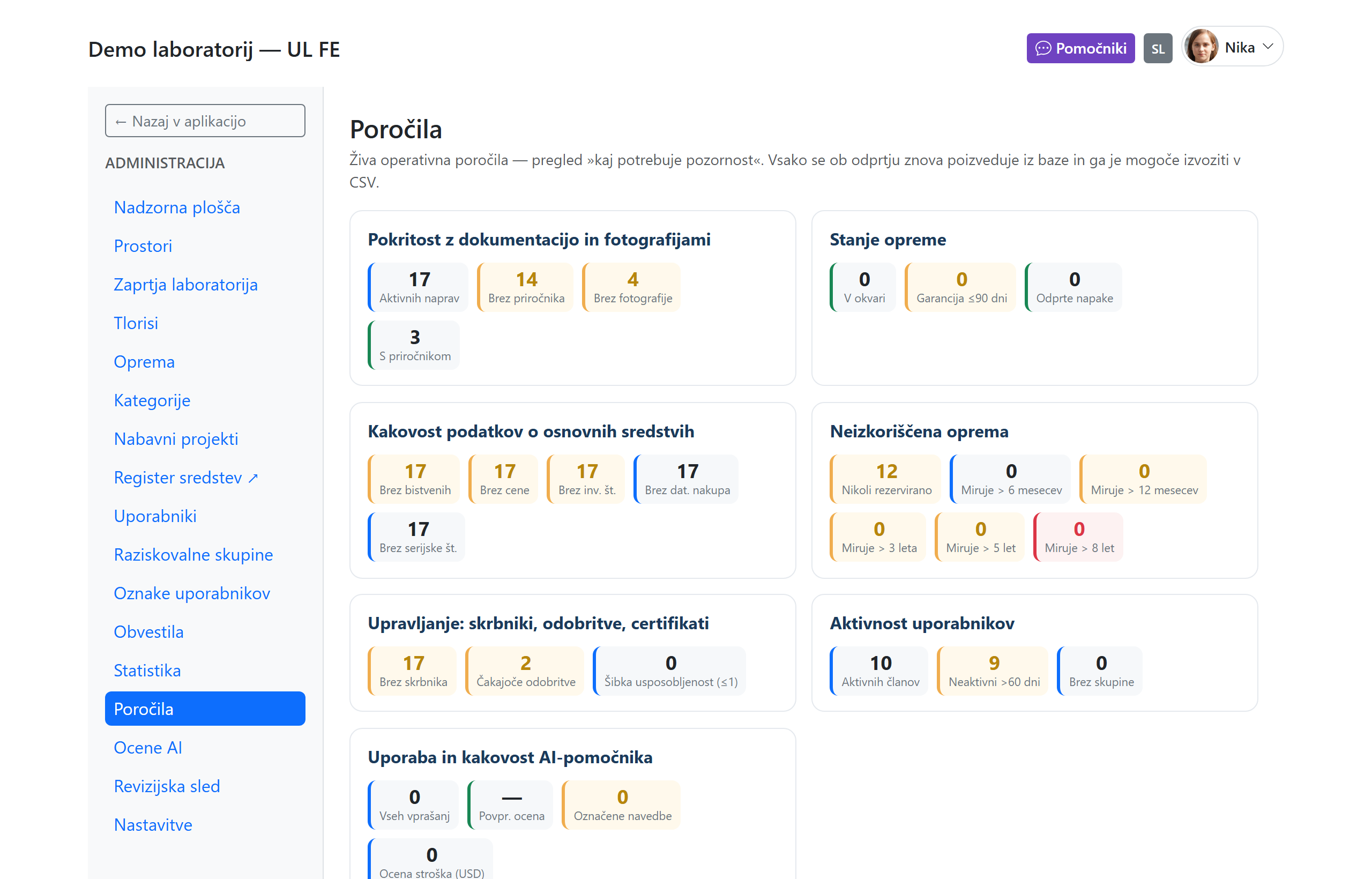
Statistics & reports
Usage by room, equipment, user, group or project; operational reports for maintenance, warranties and data hygiene; CSV / Excel export.
RFID & PIN login
Tap an RFID card or enter a 6-digit PIN — no passwords for daily use. Kiosk mode for shared lab terminals.
Approvals & certifications
Require custodian approval for sensitive equipment and gate bookings on per-user certifications, with an email approve / reject flow.
Bilingual (SL / EN)
Full Slovenian and English throughout — the interface, entity names and the AI assistant all follow each user's language.
See it in action
How it works
- Select your organization — Choose your lab or department from the list and enter the shared PIN.
- Log in — Tap your name for quick PIN login, or use a password. RFID cards work too.
- Book a room — Pick a time slot on the calendar, add equipment, set a title, and confirm.
- Done — Your reservation is live. Colleagues see it instantly. Export to Outlook with one click.
Ready to streamline your lab?
Select your organization above to get started, or contact us to set up a new one.